A crawl is a single line of scrolling text that overlays the bottom of the screen. Add one to a ticker feed to make it play on TVs running that feed.
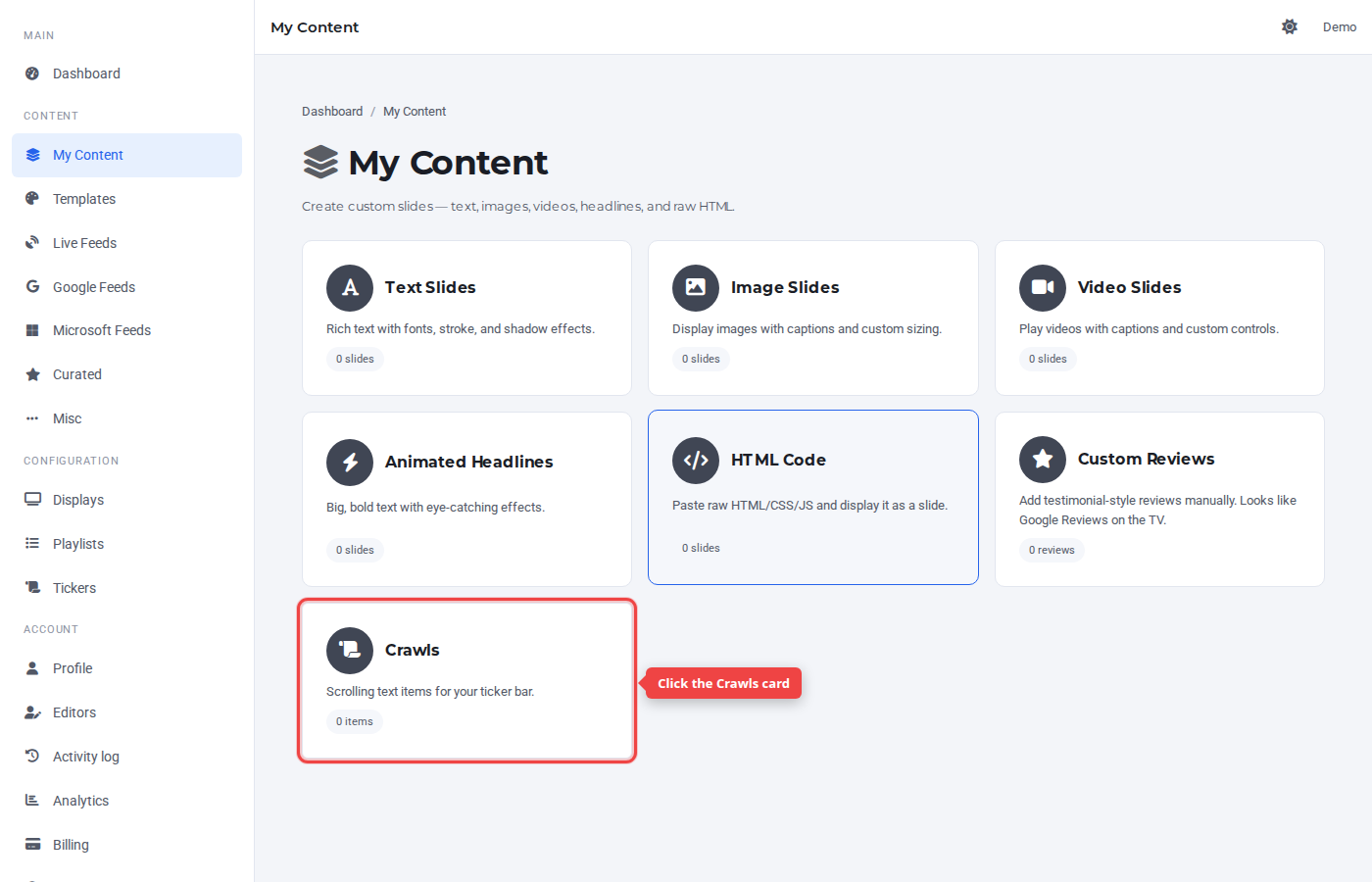
Step 1 — Open My Content and click Crawls
In the sidebar under Content, click My Content, then the Crawls card. (Crawls live under My Content because they're authored content; they're assigned to ticker feeds rather than playlists.)
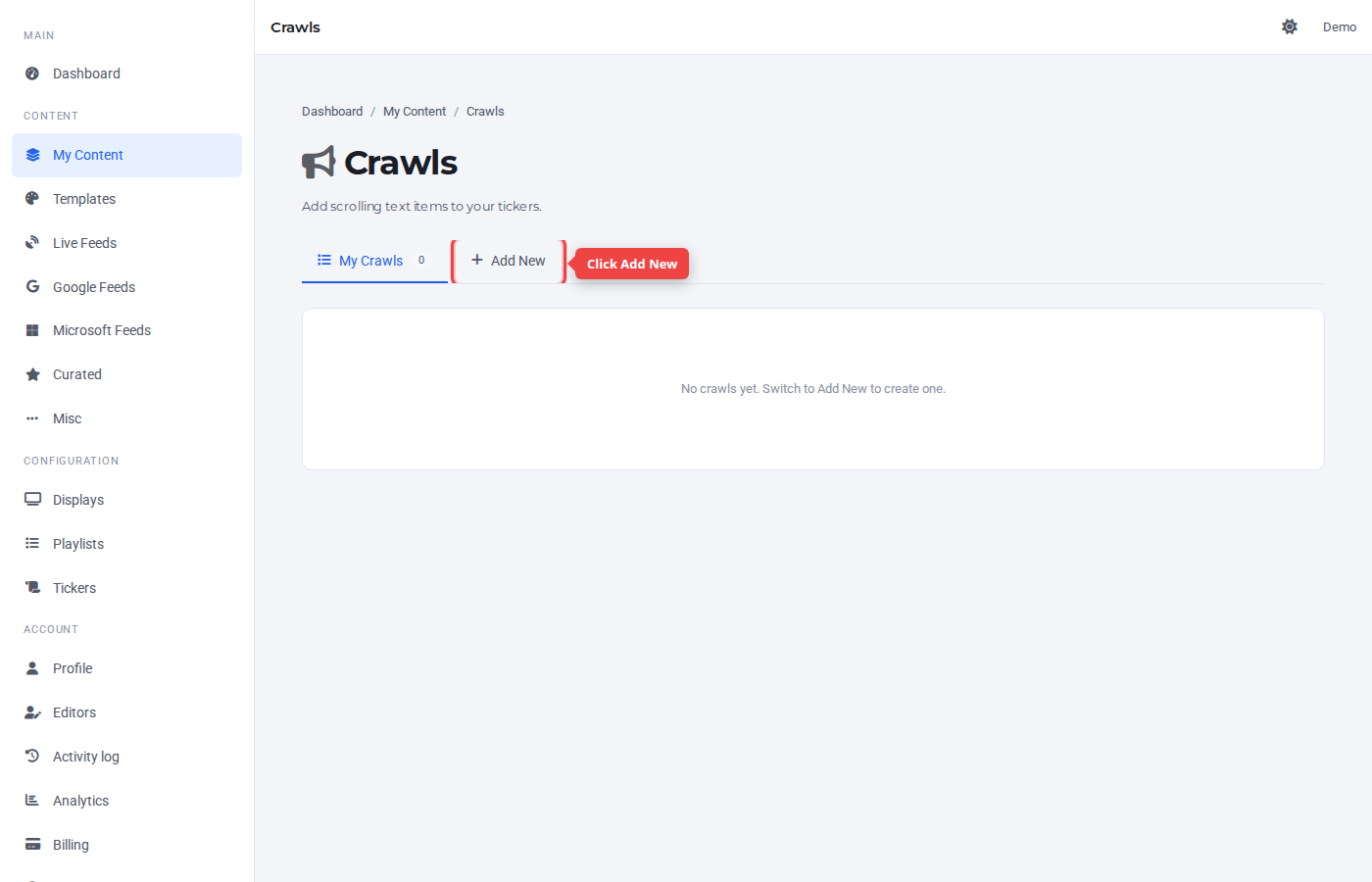
Step 2 — Switch to the Add New tab
Click the + Add New tab.
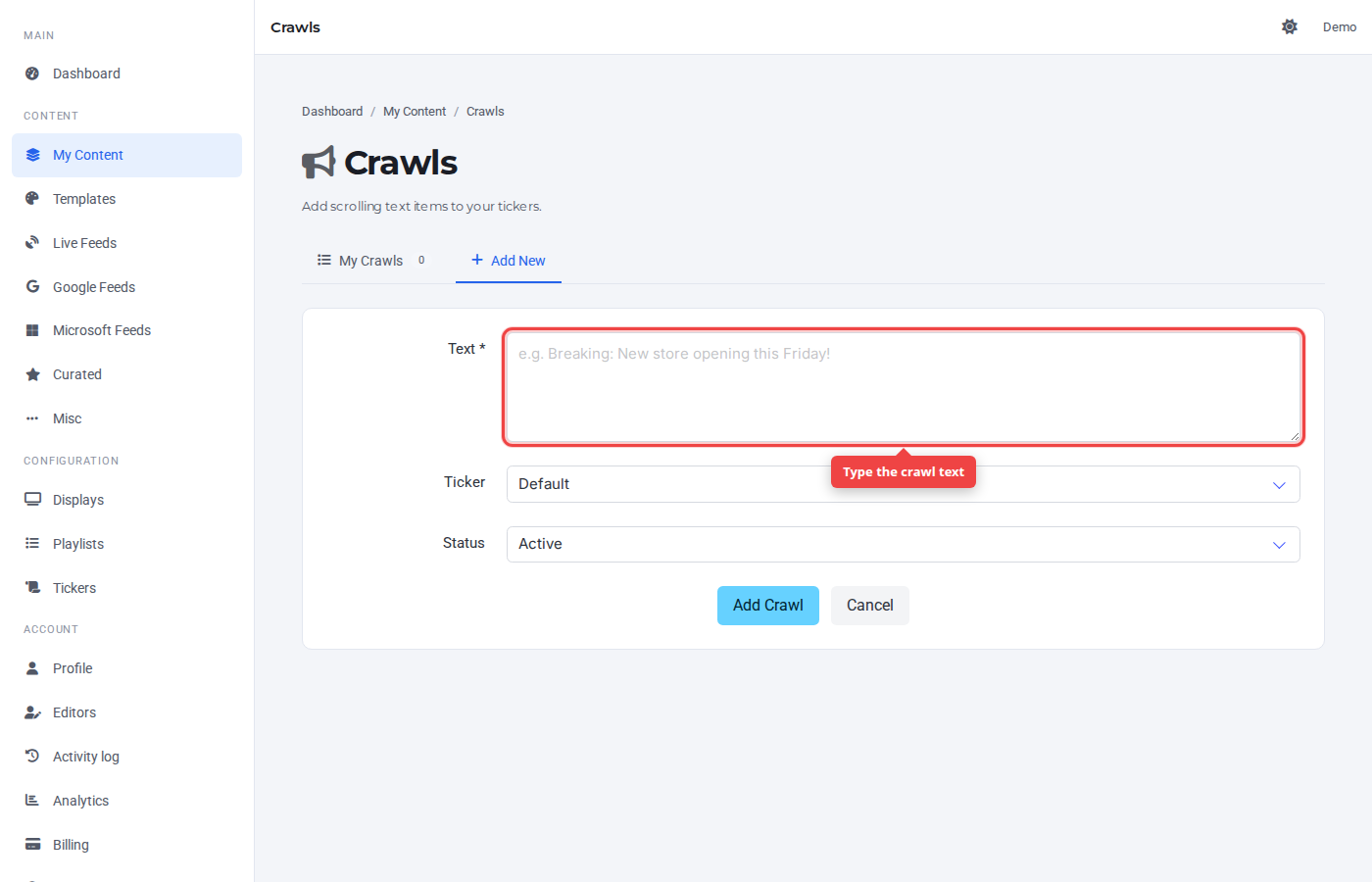
Step 3 — Enter the crawl text
Type the message that should scroll across the ticker. Keep it short — long crawls take longer to scroll past.
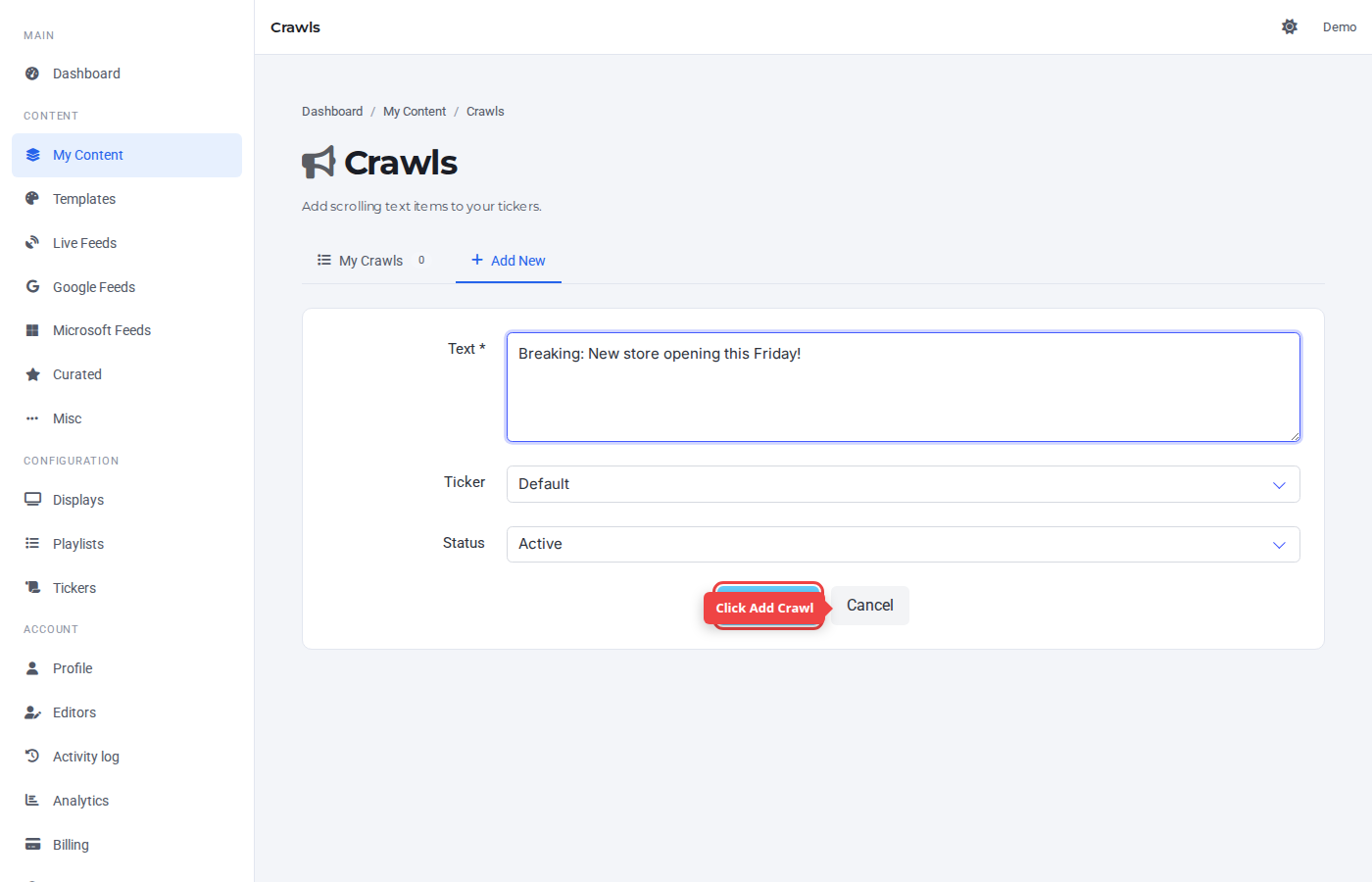
Step 4 — Submit
Click Add Crawl. The default ticker feed is preselected.
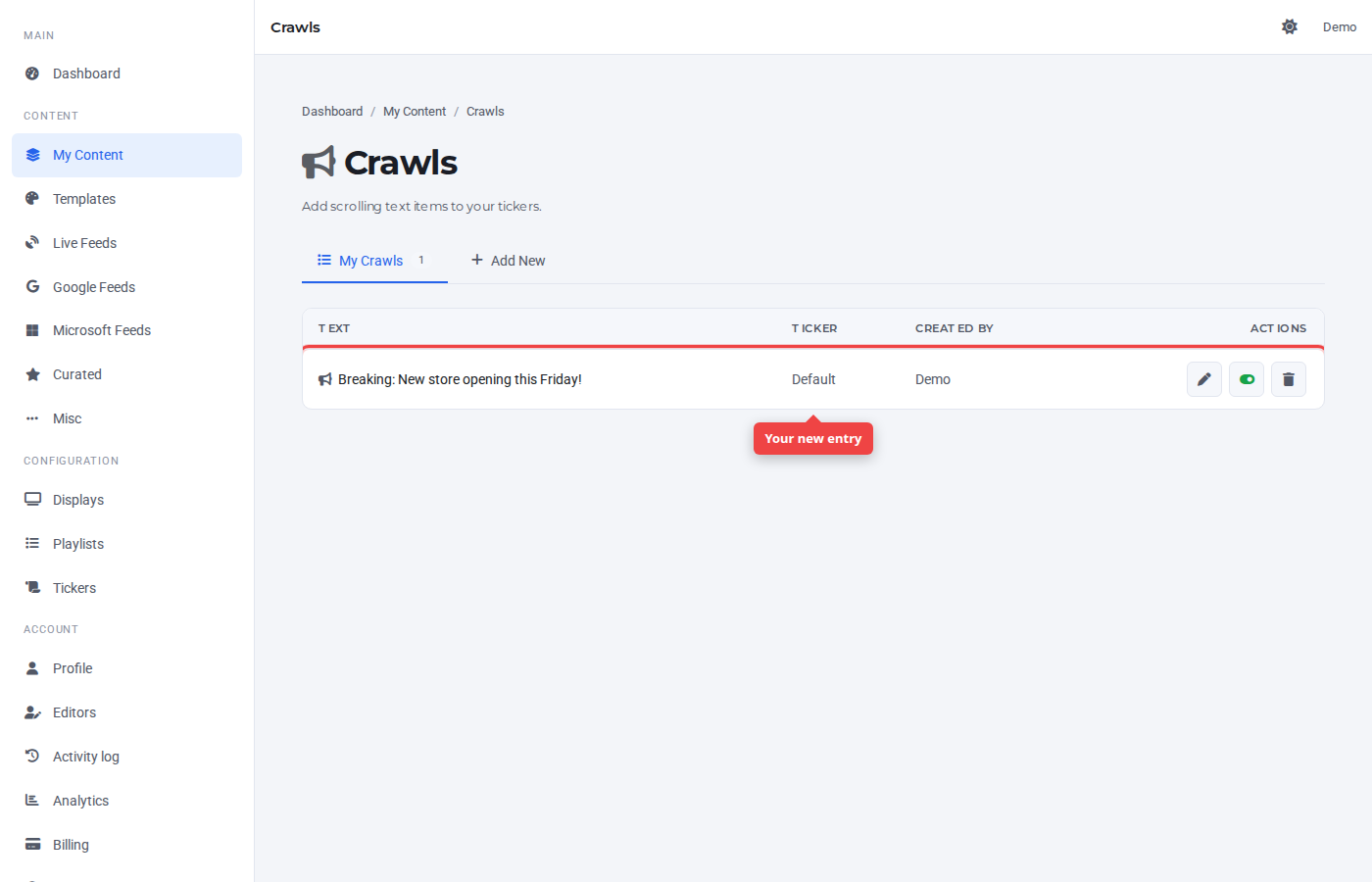
Step 5 — Confirm in the list
The new crawl appears at the top of the list. It will play in any ticker bar configured to use this feed.
Was this article helpful? If you need more help, open a support ticket.
Sign in to open a ticket