Add a video to your library — by URL or by uploading the file — and assign it to a playlist.
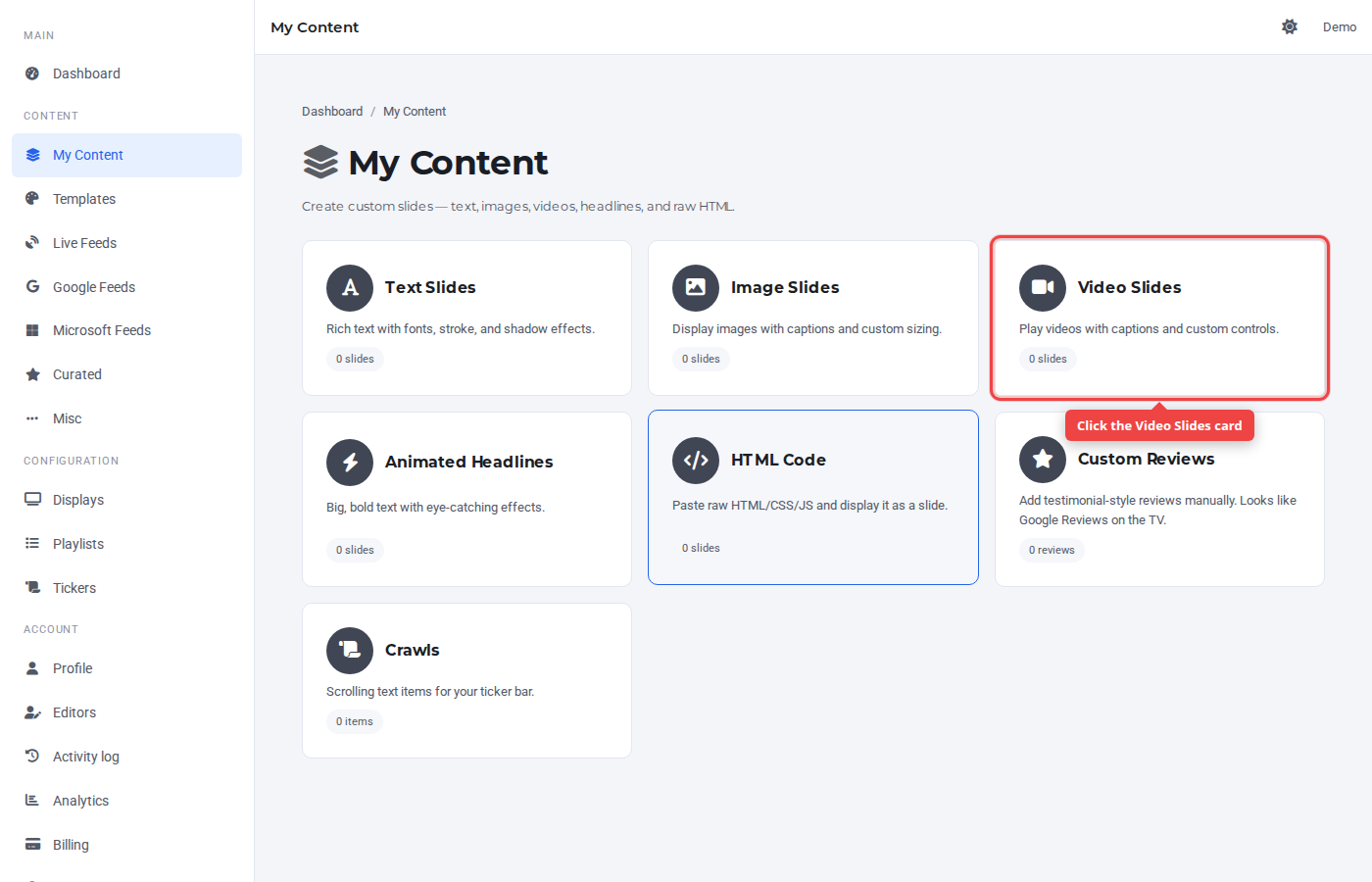
Step 1 — Open My Content and click Video Slides
In the sidebar under Content, click My Content, then the Video Slides card.
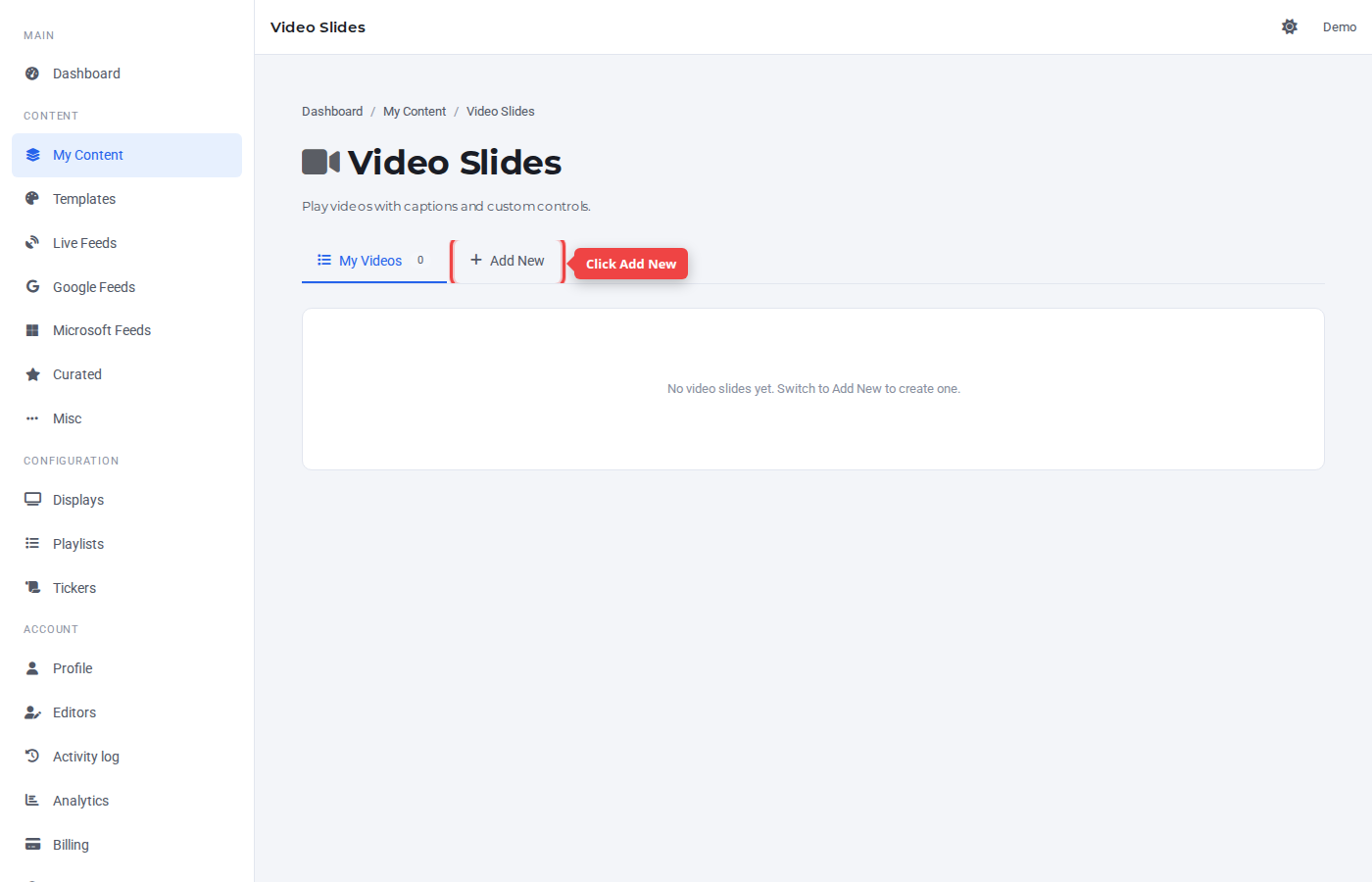
Step 2 — Switch to the Add New tab
Click the + Add New tab.
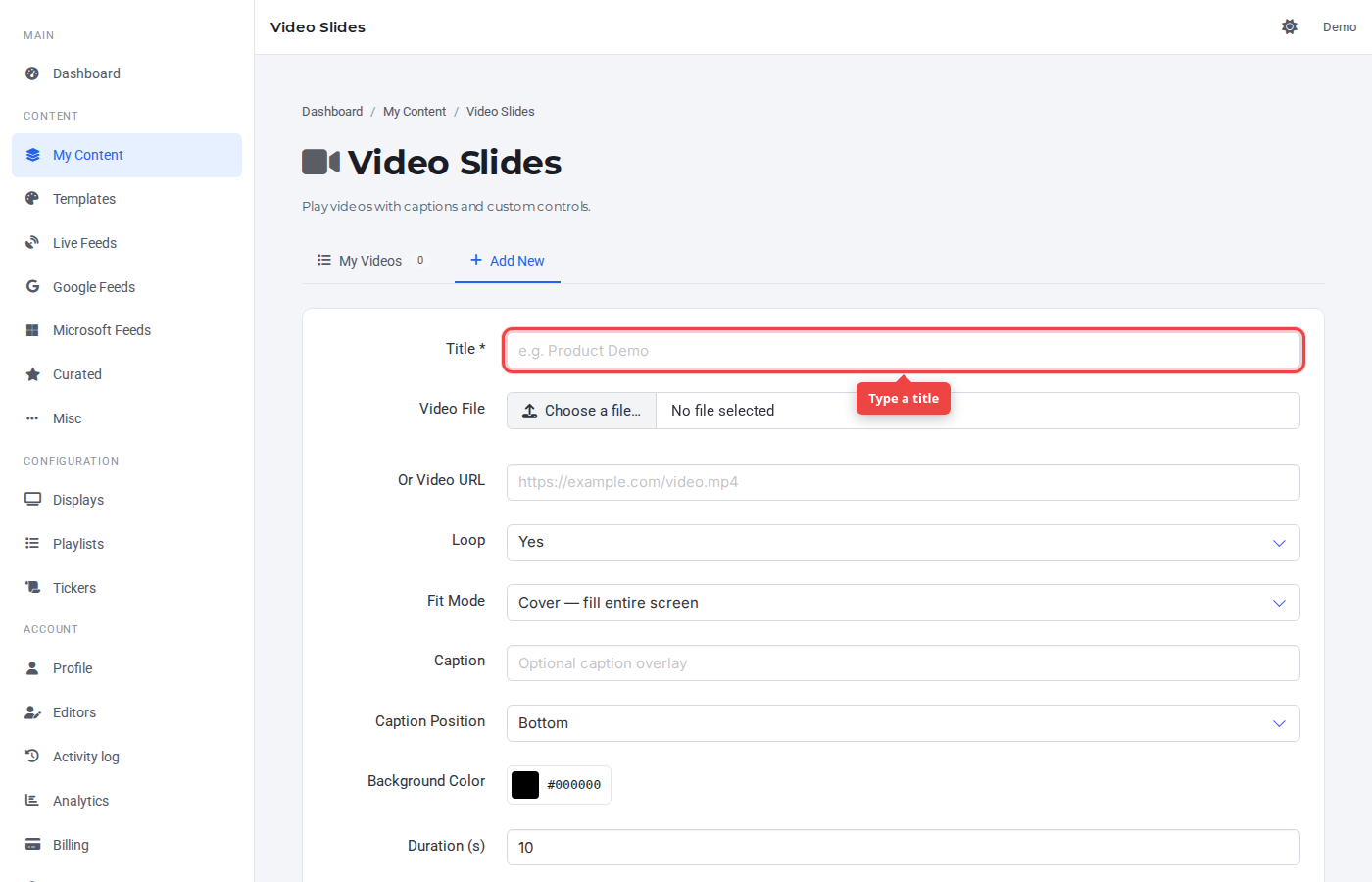
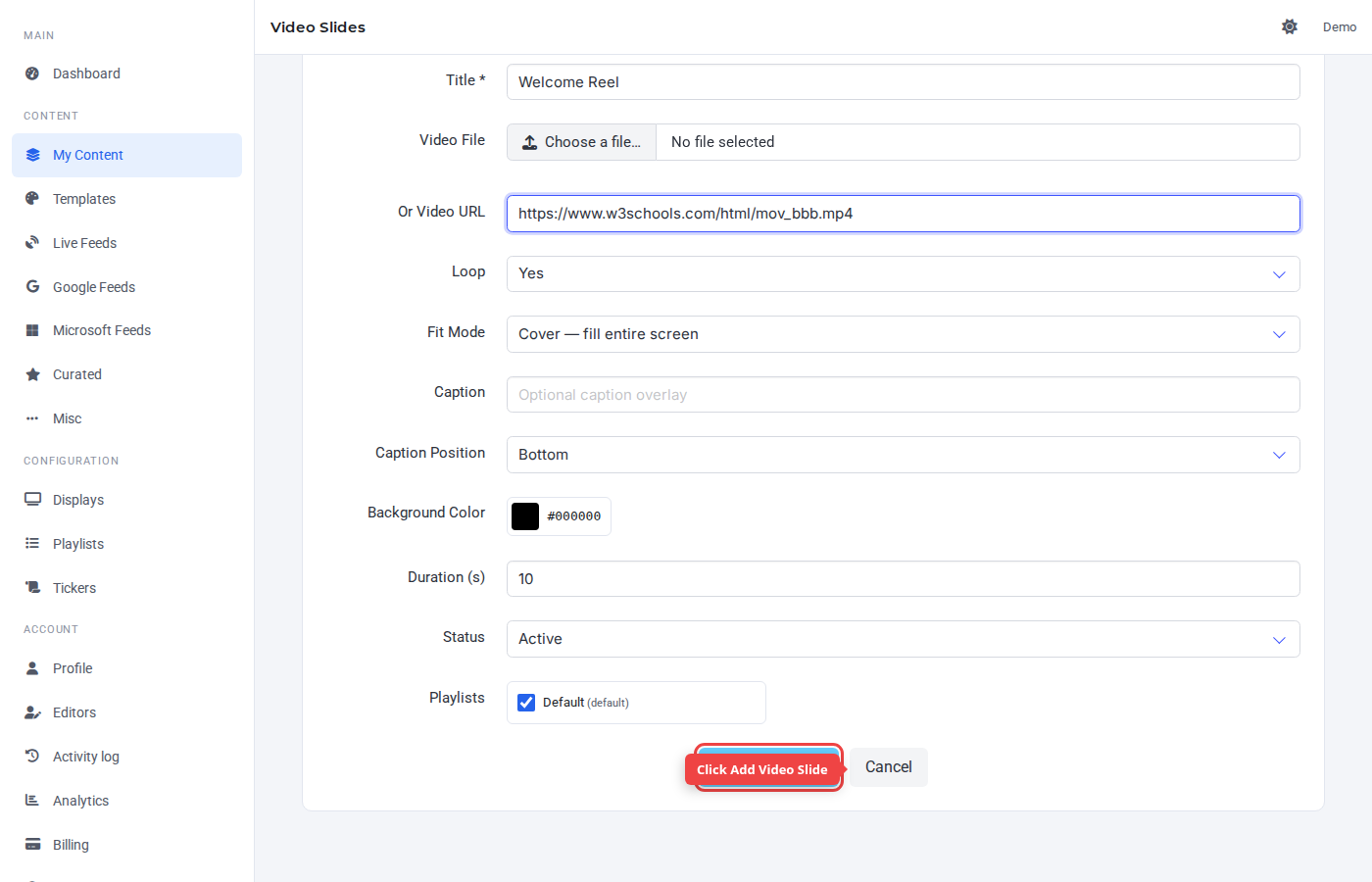
Step 3 — Enter a title
The Title is a label for the Control Panel — it's not shown on TV.
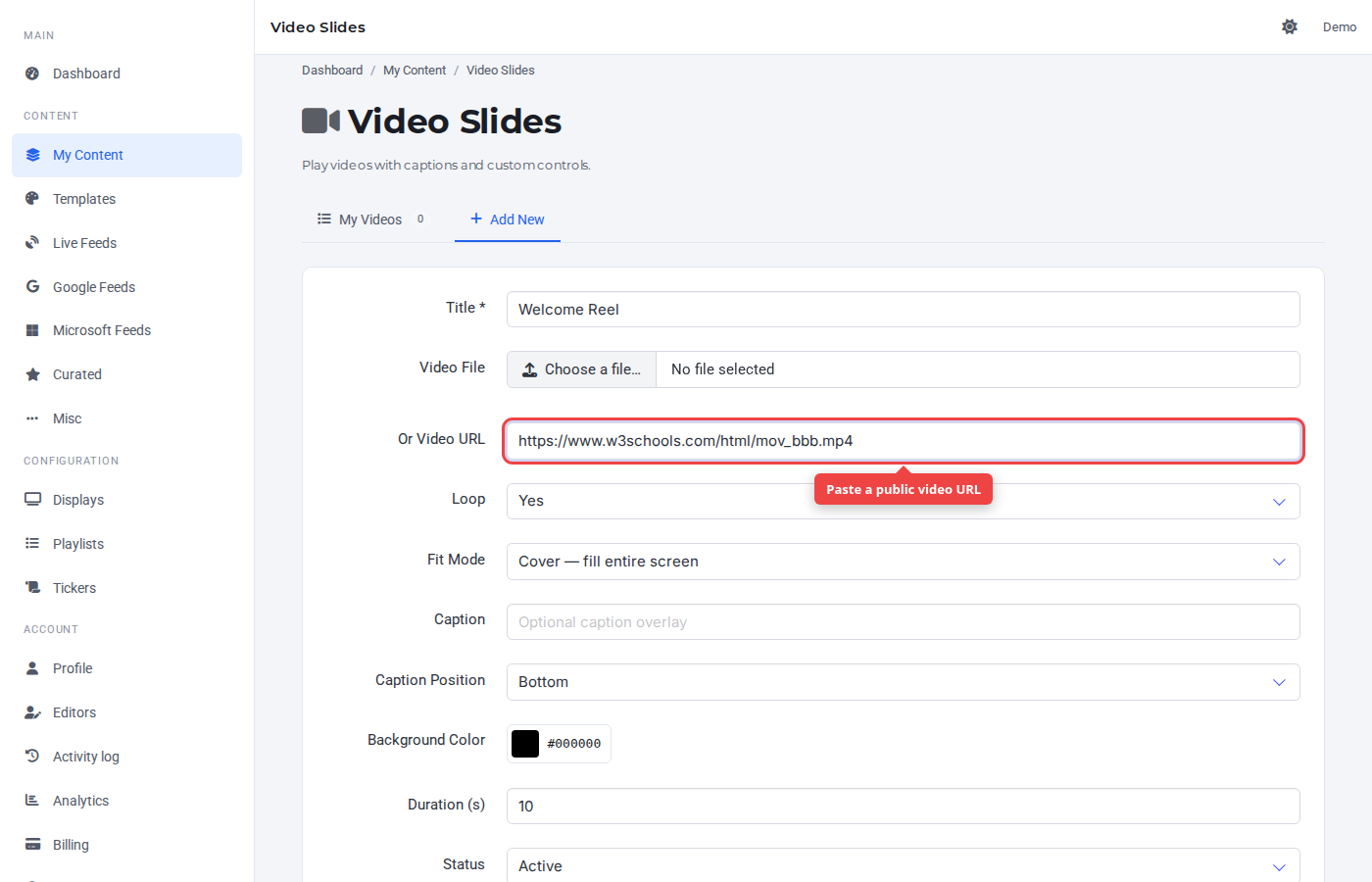
Step 4 — Provide the video
Either upload a video file or paste a public video URL (MP4 / WebM). Pasting a URL is faster when the file is already hosted.
Step 5 — Submit
Click Add Video Slide. Loop, fit mode, caption, and background are configurable; defaults are sensible.
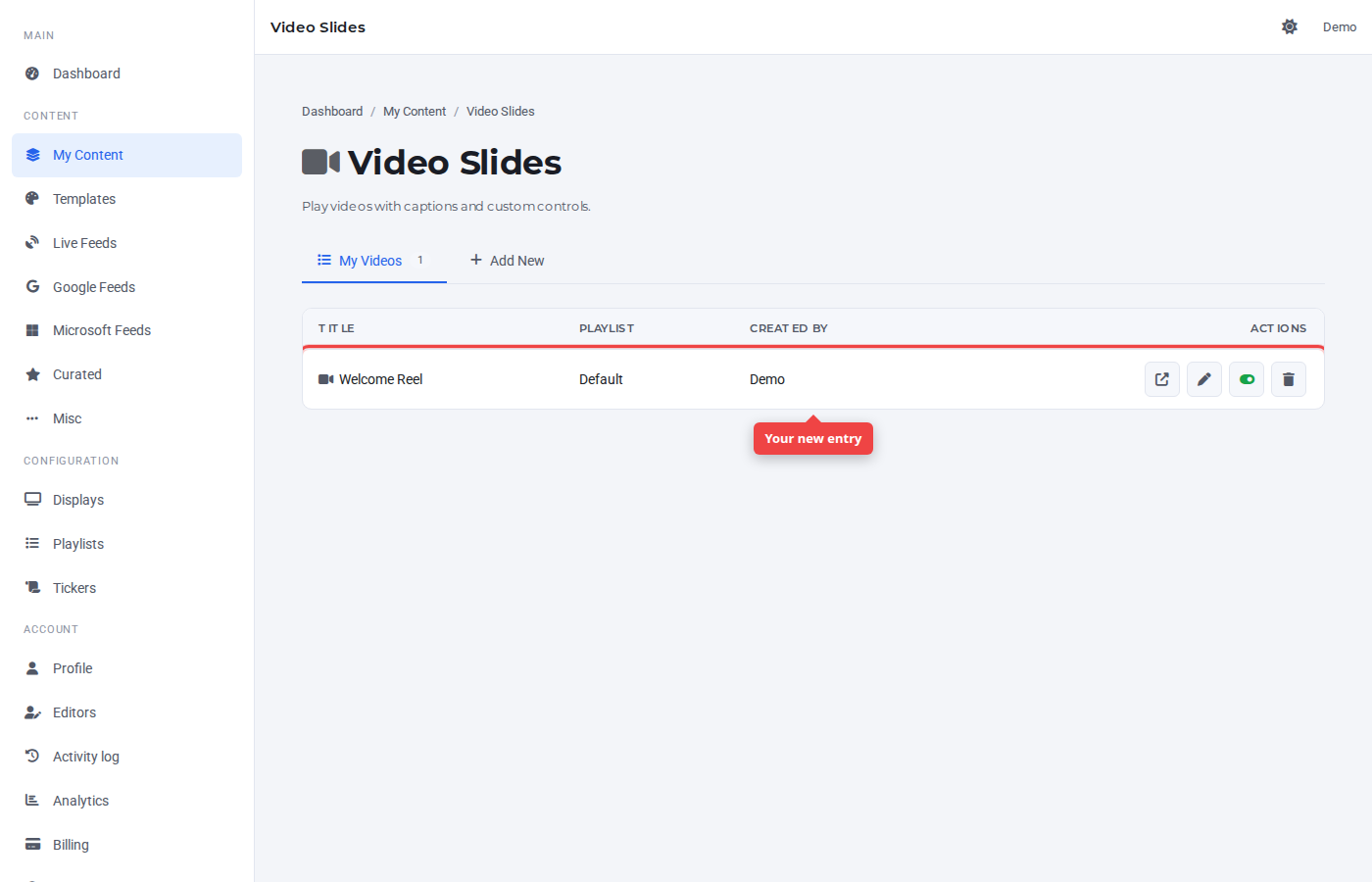
Step 6 — Confirm in the list
The new video appears at the top of My Videos, assigned to the default playlist.
Was this article helpful? If you need more help, open a support ticket.
Sign in to open a ticket