Knowledge Base / Live Feeds & Integrations
How to delete a Google Drive PDFs folder
Updated May 10, 2026
Permanently remove a Google Drive PDFs folder from your library. Deletion is not reversible — if you might want it back, use Disable instead.
Step 1 — Open the My Folders list
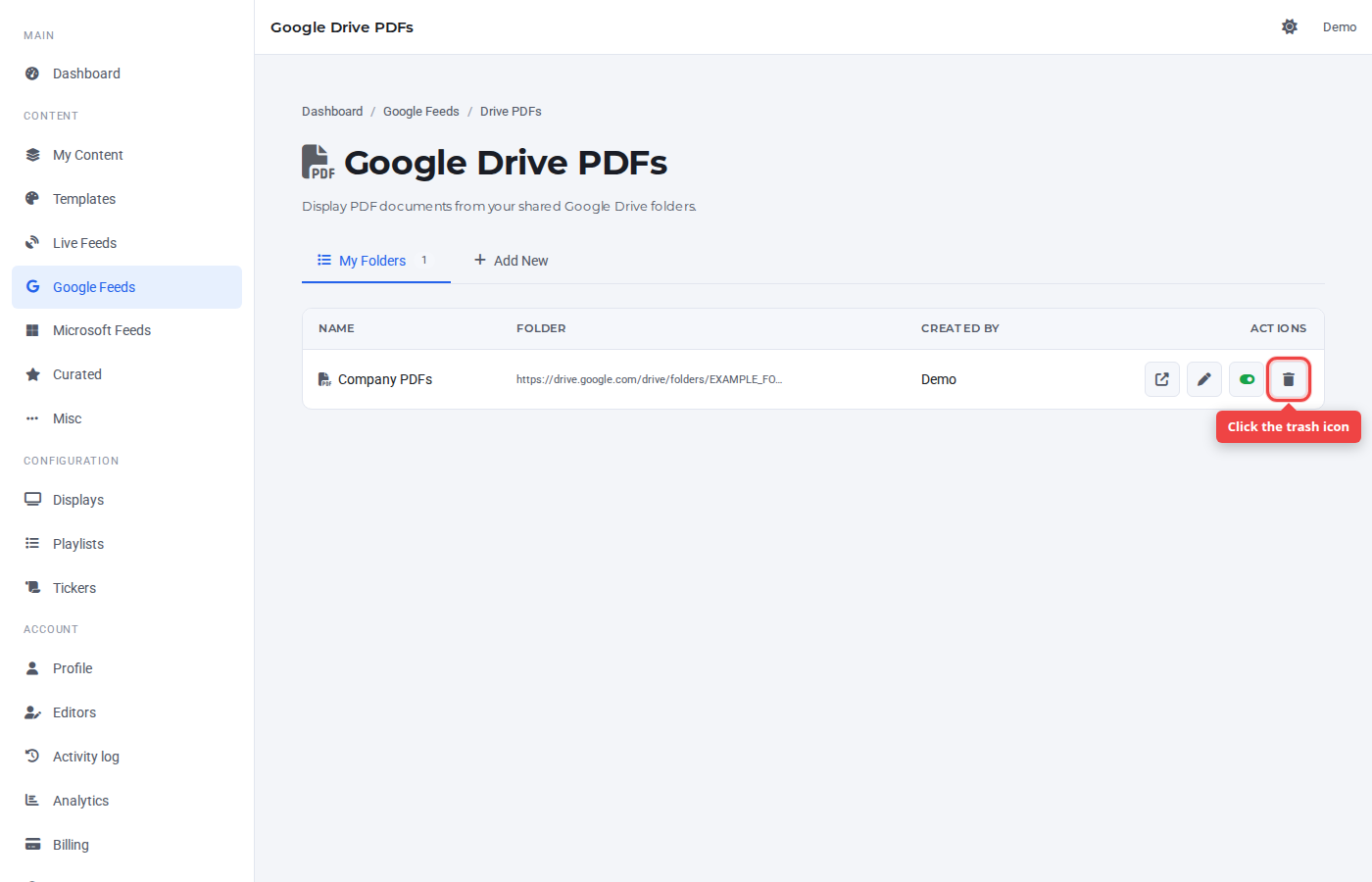
Find the row you want to remove. The right-most icon (red trash) is the delete button.
Step 2 — Confirm
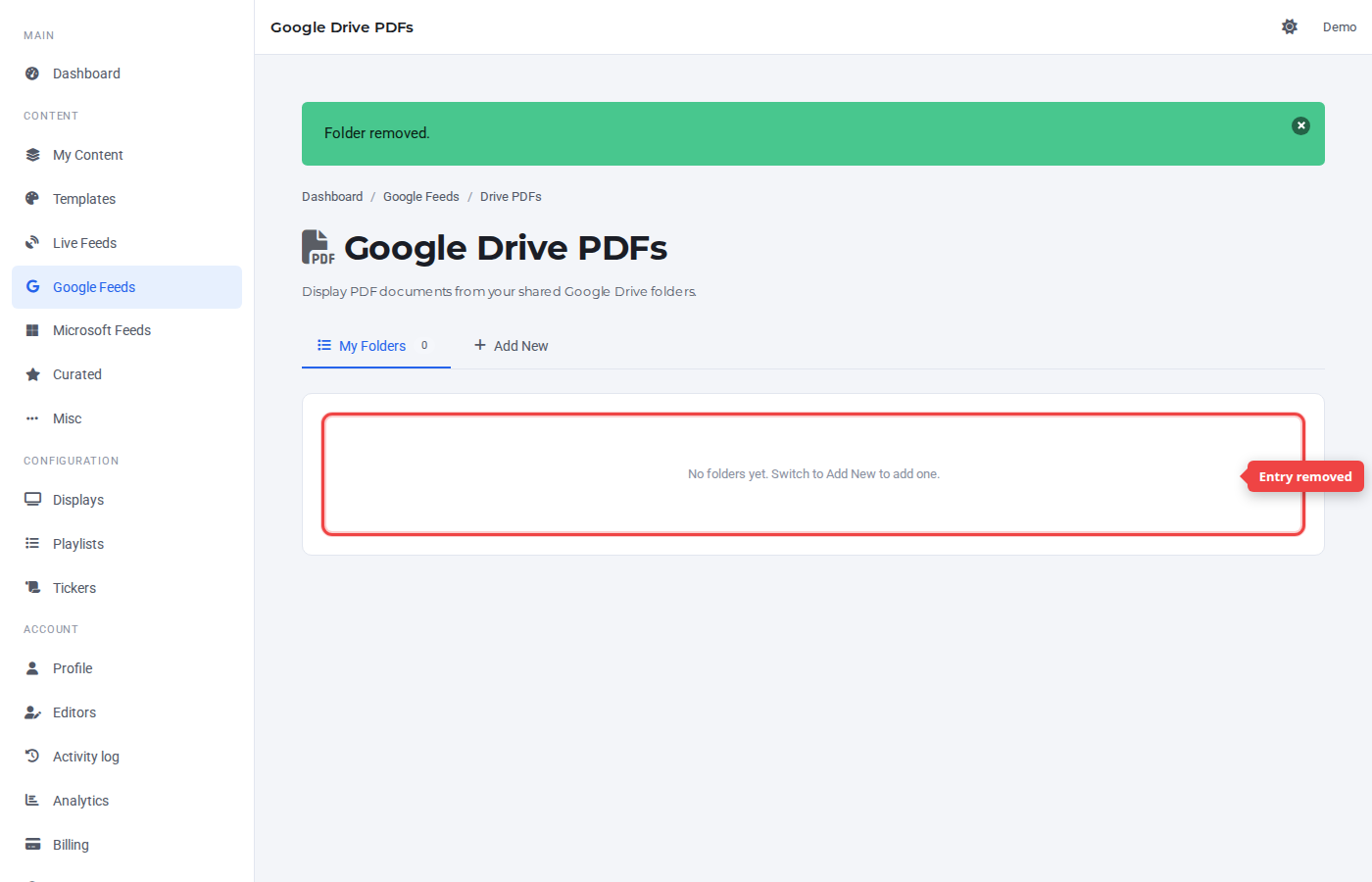
A confirmation prompt asks you to confirm. Click OK. The row disappears from the list.
Was this article helpful? If you need more help, open a support ticket.
Sign in to open a ticket